English

Running a Crosswalk app on Android
Installing and running an application built with Crosswalk requires an Android target (either emulated or actual device). For assistance, see the Android target setup page.
Install the application on the target.
To install APKs created in the build application page, do the following:
x86 device
> adb install -r com.abc.myapp-0.1-debug.x86.apkARM device
> adb install -r com.abc.myapp-0.1-debug.armeabi-v7a.apk
The -r flag stands for "reinstall". It is not required for the first installation, but useful for subsequent reinstalls of the same package.
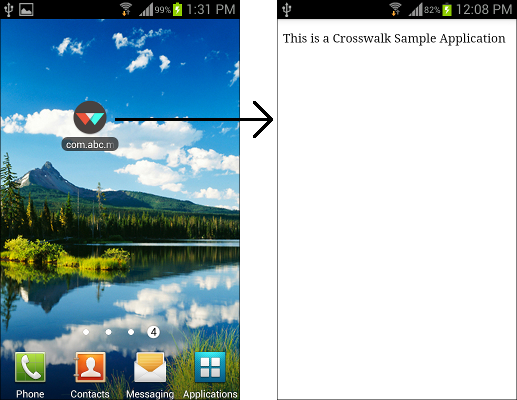
If the installation is successful, your application icon will appear on the Android target.